Betwinner App — Download for Android (APK) & iOS
The Betwinner app is the most convenient way to bet from your phone. Available for Android (via APK) and iOS, the app delivers all the features of the desktop platform in a mobile-optimized interface. With the app, you get access to over 1,000 sports markets, more than 3,000 casino games, PIX deposits and fast withdrawals — all at your fingertips.
Betwinner, founded in 2018 and licensed in Curaçao (No. 8048/JAZ), designed its mobile app with Brazilian players in mind. The app is lightweight, fast and works well even on slower internet connections. Plus, push notifications keep you informed about bet results, exclusive promotions and the start of live events.
How to Download the Betwinner App for Android (APK)
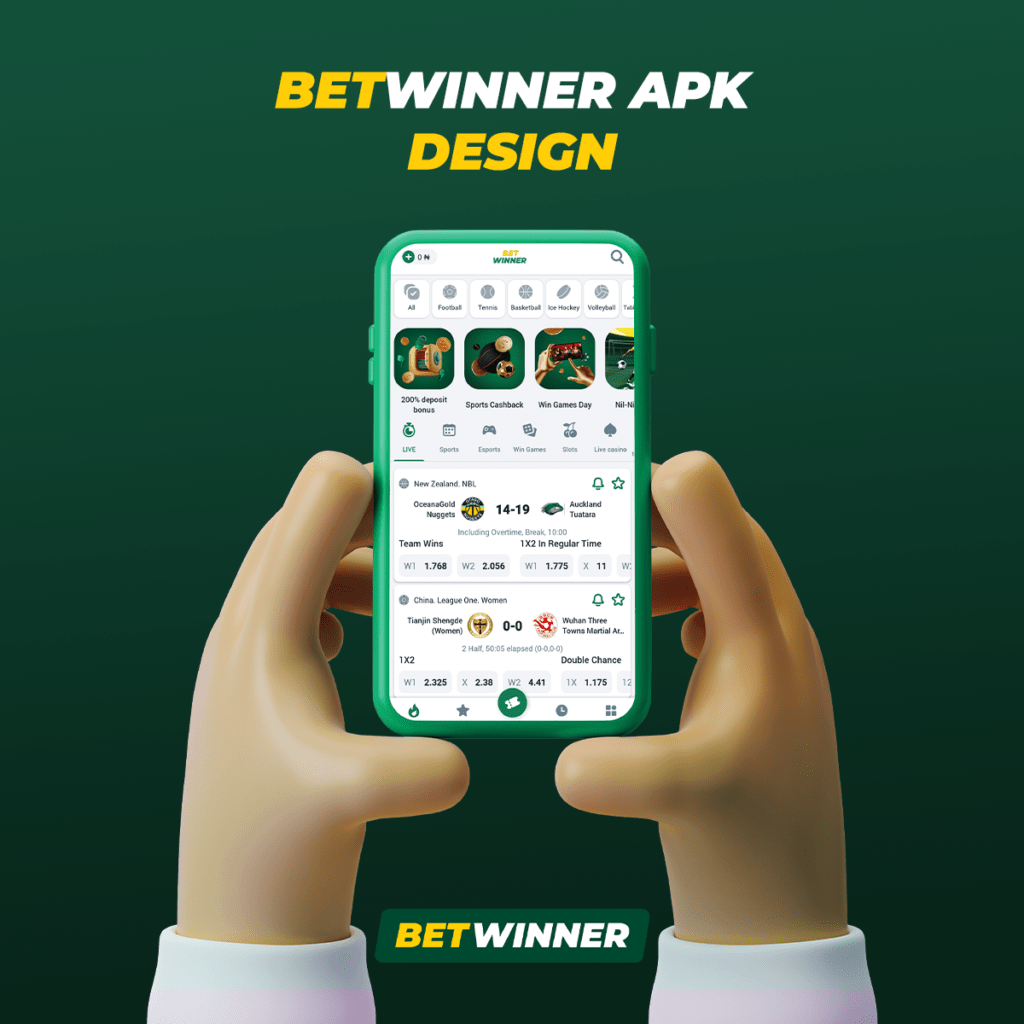
The Betwinner app for Android is not available on the Google Play Store, as Google restricts betting apps from its store. Instead, the download is done directly from the official Betwinner website via the APK file. The process is safe and takes just a few minutes.
Step-by-Step for Android
- Visit the Betwinner website using your Android phone’s browser.
- Find the download section — Scroll to the footer or open the menu and look for “Mobile App” or “Download for Android”.
- Download the APK file — Tap the download button and wait for the file to finish downloading.
- Enable unknown sources — Go to Settings > Security > Unknown Sources and toggle the option to allow installing apps outside the Play Store.
- Install the APK — Open the downloaded file and follow the on-screen instructions to complete the installation.
- Log in or sign up — Open the app and enter your credentials or create a new account.
The Betwinner APK file is approximately 50 MB and is compatible with Android 5.0 or higher. After installation, the app receives automatic updates directly from the platform, with no need to manually download new files.
Minimum requirements for Android: Android 5.0+, 100 MB of free storage, 1 GB of RAM. The app works on smartphones and tablets from major brands such as Samsung, Motorola, Xiaomi, LG and others.
How to Download the Betwinner App for iOS (iPhone/iPad)
For iPhone and iPad users, Betwinner offers two mobile access options: the native app available on the App Store and the progressive web app (PWA) that can be added directly to your device’s home screen via Safari.
Step-by-Step for iOS
- Open the App Store on your iPhone or iPad.
- Search for “Betwinner” in the search bar.
- Download and install — Tap “Get” and confirm with Face ID, Touch ID or your password.
- Open the app and log in with your credentials or create a new account.
PWA Alternative: If the app is not available on the App Store in your region, you can add the Betwinner website as a web app. Open the site in Safari, tap the share icon (square with arrow) and select “Add to Home Screen”. The PWA works just like a native app, with a home screen icon and full-screen interface.
Minimum requirements for iOS: iOS 12.0 or higher, 100 MB of free storage. Compatible with iPhone 6S and newer models, as well as iPads running iOS 12+.
Betwinner App Features
The Betwinner app was built to deliver the full platform experience on mobile devices. Every feature available on the desktop site is present in the app, with an adapted interface and performance optimized for smartphones.
- Full sports betting — Access all pre-match and live markets, including football, basketball, tennis, UFC, eSports and over 1,000 daily events
- Online casino — Over 3,000 games including slots, roulette, blackjack, crash games and live casino with real dealers
- PIX deposits and withdrawals — Instant transactions directly through the app, with no additional fees
- Live streaming — Watch sporting events in real time while placing your bets
- Push notifications — Alerts for results, promotions and the start of your favorite events
- Bonuses and promotions — Access to all offers, including the welcome bonus of up to R$500 from the bonus page
- Cash out — Settle bets early to lock in profits or minimize losses
- Multi-language — Full Brazilian Portuguese interface
The app also offers detailed sports event statistics, complete betting history, account management and access to customer support via live chat. The experience is smooth and intuitive, designed for those who want to bet quickly and conveniently.
Betwinner App vs. Mobile Site — Comparison
While the Betwinner mobile site is functional and responsive, the app offers significant advantages in terms of speed, usability and exclusive features. Check out the detailed comparison below to decide which option is best for you.
| Feature | Betwinner App | Mobile Site |
|---|---|---|
| Loading speed | Fast (cached data) | Depends on connection |
| Push notifications | ✅ Yes | ❌ No |
| Offline menu access | ✅ Partial | ❌ No |
| Sports betting | ✅ Full | ✅ Full |
| Online casino | ✅ 3,000+ games | ✅ 3,000+ games |
| PIX deposit | ✅ Instant | ✅ Instant |
| Live streaming | ✅ Optimized | ✅ Available |
| Biometrics (login) | ✅ Face ID / Fingerprint | ❌ No |
| Data usage | Lower (optimized) | Higher (loads full page) |
| Installation required | Yes (APK or App Store) | No (browser access) |
We recommend using the app if you bet regularly, as the experience is superior in every way. The mobile site is a good alternative for occasional betting or when you don’t want to install the app. Both options are secure and provide full access to sports betting and the Betwinner casino.
Tips for Using the Betwinner App
To get the most out of the Betwinner app, follow these practical tips. They’ll help improve your experience and ensure you’re always up to date with the best betting opportunities.
- Enable notifications — Set up alerts for your favorite sports and teams so you never miss a live betting opportunity
- Use biometric login — Set up Face ID or fingerprint to access the app quickly and securely
- Keep the app updated — Updates bring performance improvements, new features and security fixes
- Manage your limits — Use the responsible gaming tools available in the app to set deposit and playtime limits
- Take advantage of cash out — The app lets you settle live bets in real time, locking in profits before the event ends
The Betwinner app is regularly updated to deliver the best possible experience. If you encounter any technical issues, contact customer support directly through the live chat available within the app.
The Betwinner app receives regular updates with performance improvements, new features and security fixes. We recommend keeping the app up to date at all times to access the latest features and ensure the best possible mobile betting experience.
Frequently Asked Questions About the Betwinner App
Yes, the Betwinner app is completely free to download and use. There are no fees to download or install the app, whether for Android (APK) or iOS. The only costs are related to your bets and casino games.